Convert your voice recordings to text,
automatically.
Perfect for meetings, interviews, and voice notes. Clean your transcript in seconds and export anywhere.
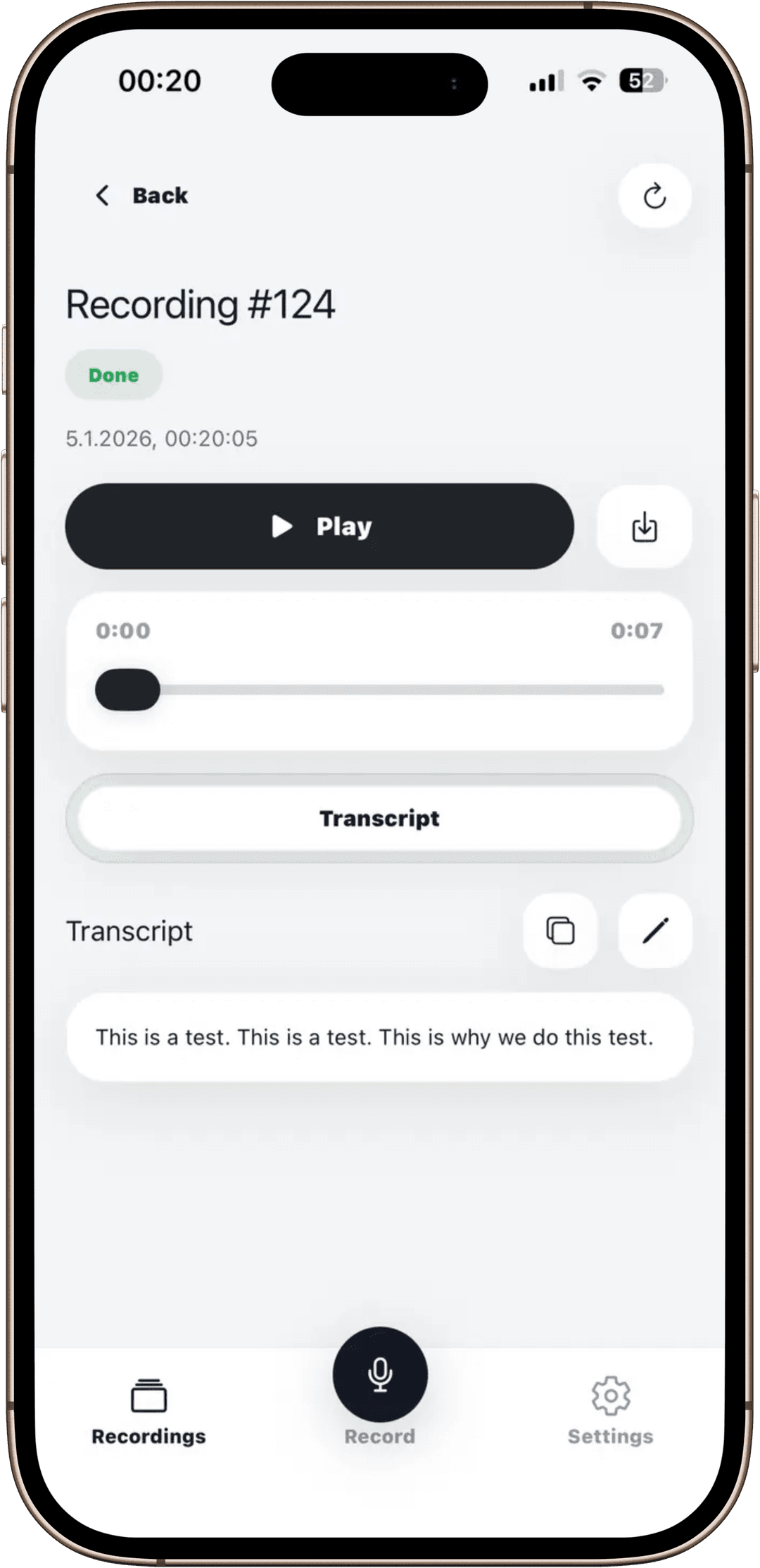
Everything you need for clean transcripts
Built for speed, clarity, and privacy from upload to export.
Fast transcription
Turn audio into text quickly — great for meetings, interviews, and voice notes.
Clean editor
Fix names, remove filler words, and format your transcript without friction.
Export anywhere
Copy, share, and move text into your workflow instantly.
How it works
Record your audio or a meeting
Tap record and capture a meeting, interview, lecture, or voice note. Your recordings are saved so you can play them back and keep everything in one place.
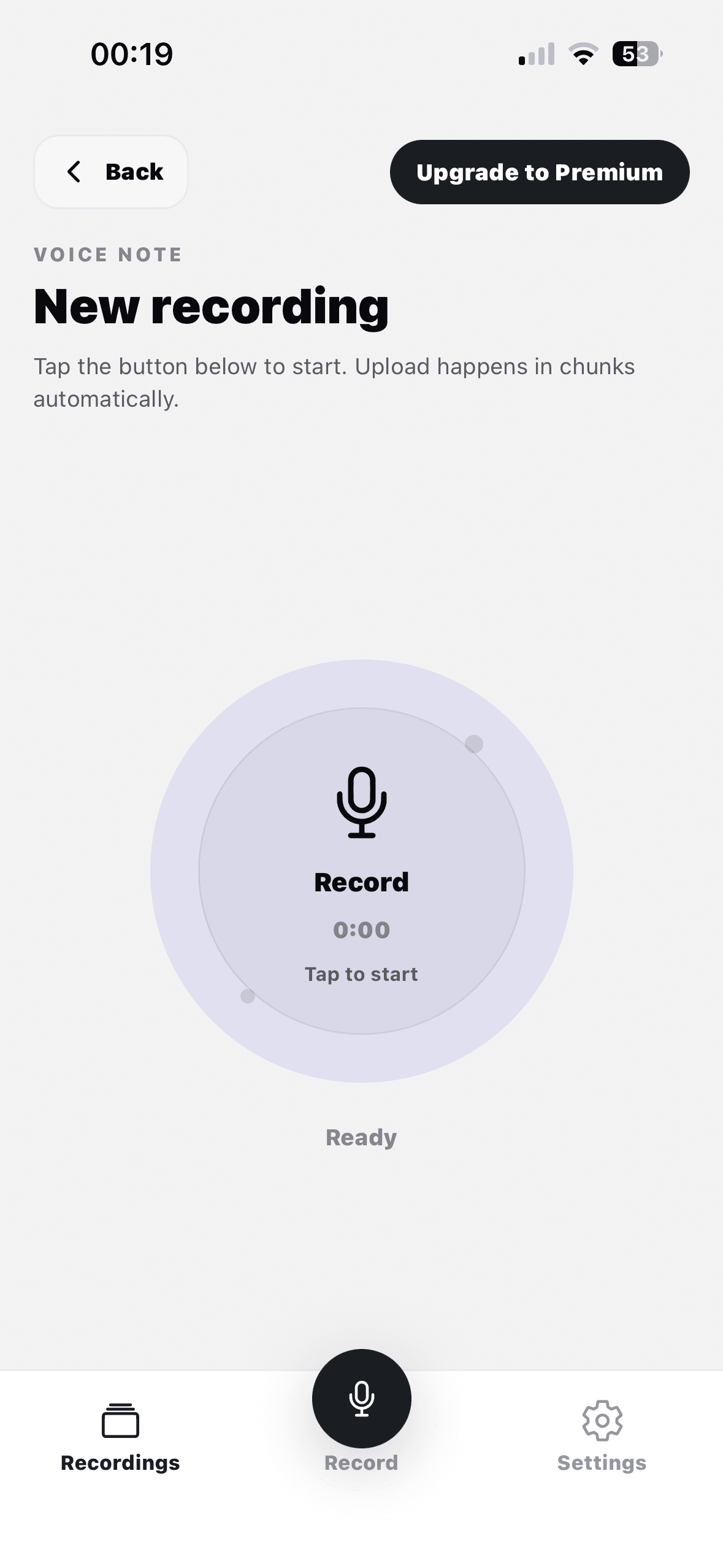
Turn audio into a transcript
Audio Transcript automatically converts the recording into text. You can read it right away. If you want to change anything, you can do it with the built in editor.
Loved by people around the world
A few words from users who transcribe meetings, notes, and interviews every day.
“I use it after every meeting. The transcript is fast, and cleaning itining it up takes seconds.”
“Perfect for voice notes. The editor is simple, the result looks clean, and it fits right into my workflow.”
“I record lectures and get readable text immediately. It helps a lot and is great for longer audio.”
Frequently asked questions
Quick answers about the app, recording limits, exports, and billing.
Is there a free trial?
Yes. You can start a free trial and test it.
Does it work on both iOS and Android?
Yes. Download for iOS or get it on Google Play.
How long can recordings be?
Unlimited.
Can I export my transcripts?
Yes. You can copy, share, and export text to your workflow.
How do subscriptions work?
Subscriptions are handled by Apple / Google. You can cancel anytime in store settings.
Download
Start transcribing in minutes
Install the app on iOS or Android and turn your recordings into clean, shareable text.
Free to start • Upgrade anytime inside the app